Versatile protection for every situation
Account hacks, data leaks, and accidental oversharing are constant risks. With Locki, your team's sensitive information is protected with encryption — even if it's accidentally shared on a video call or in a public channel. You never can be too careful when it comes to sensitive data.
Hey team — here are the staging credentials for the call:
Hey team — here are the staging credentials for the call:
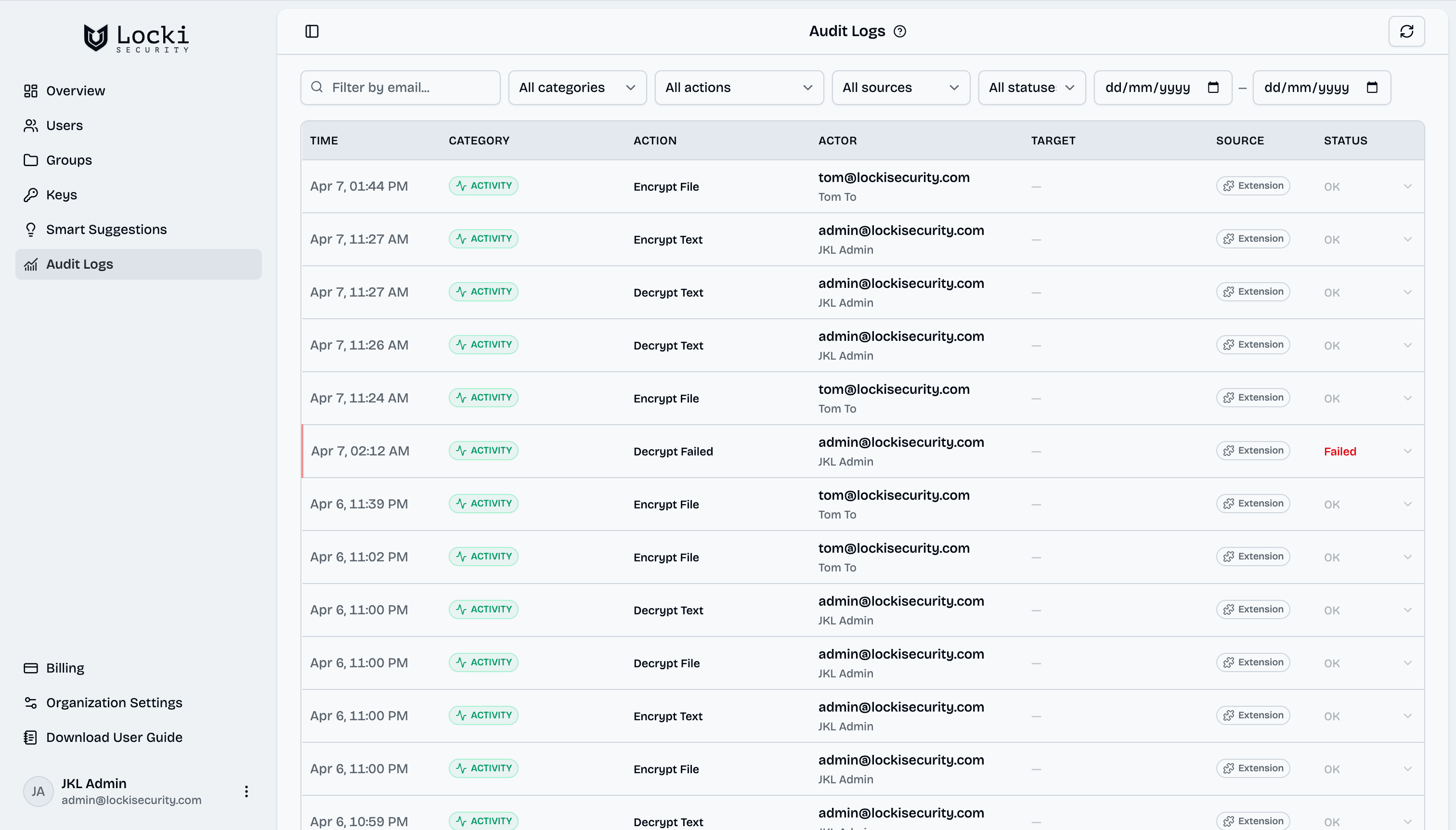
Locki Teams Pro — Centralized Key Management for Your Organization
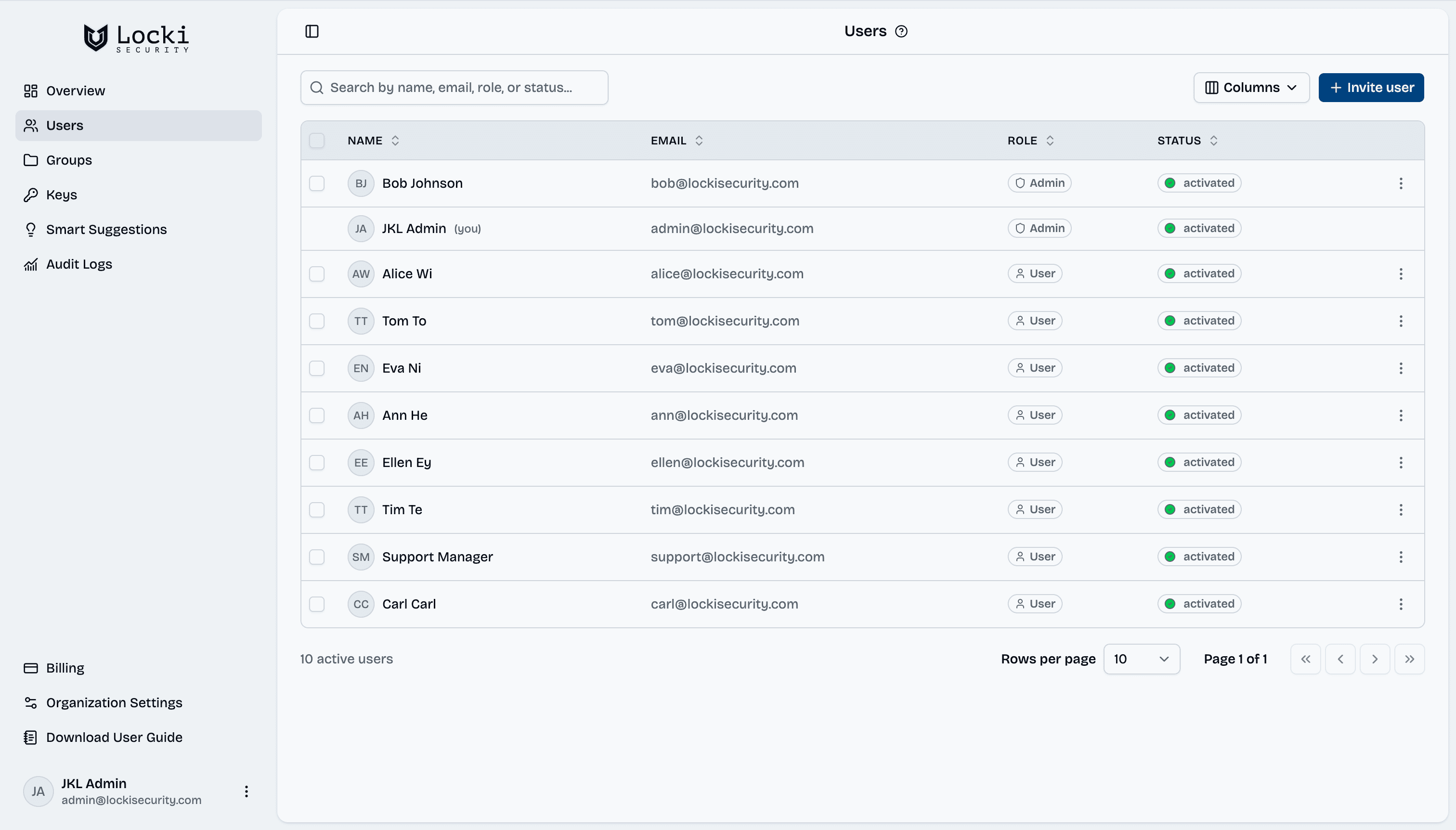
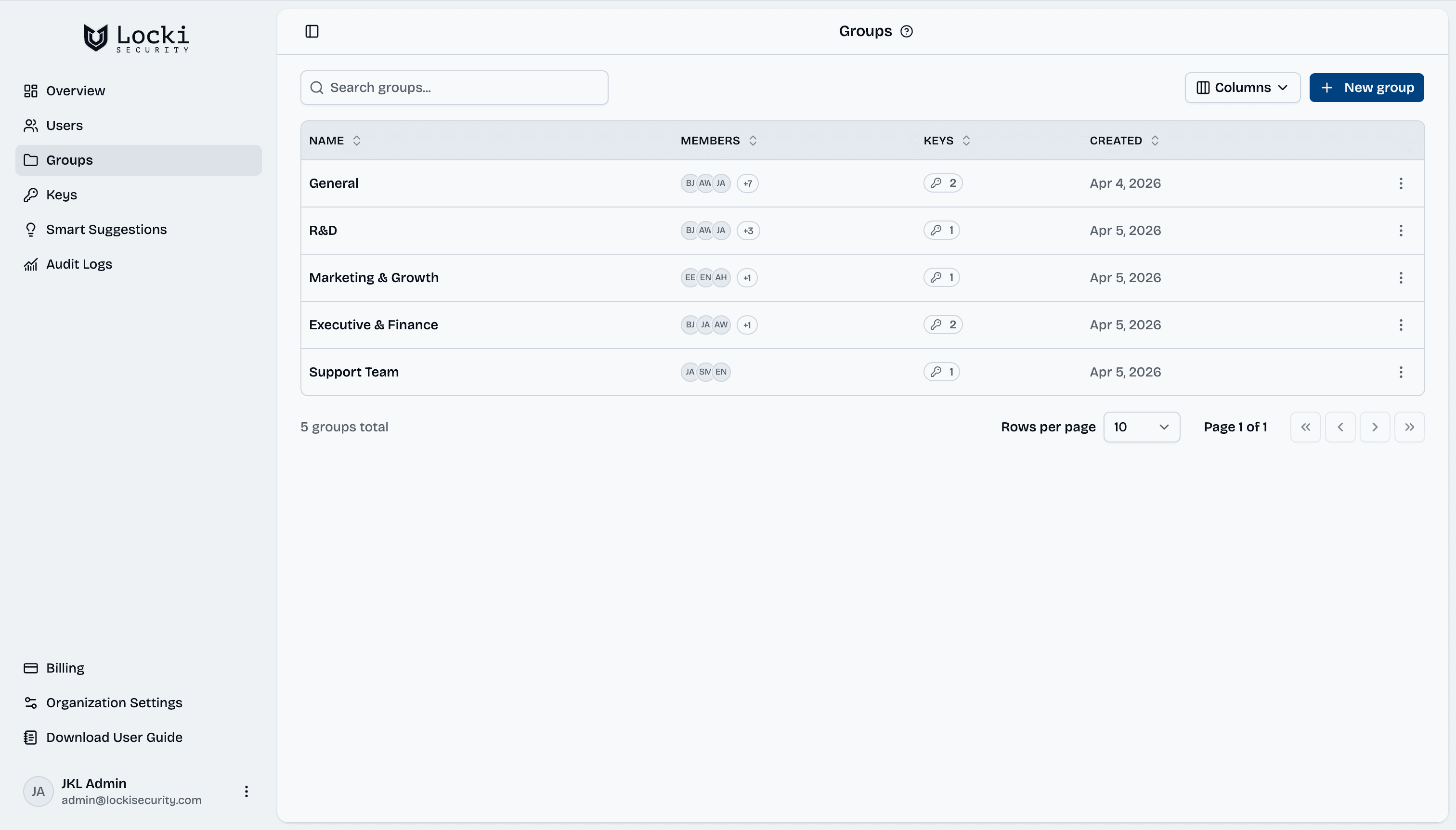
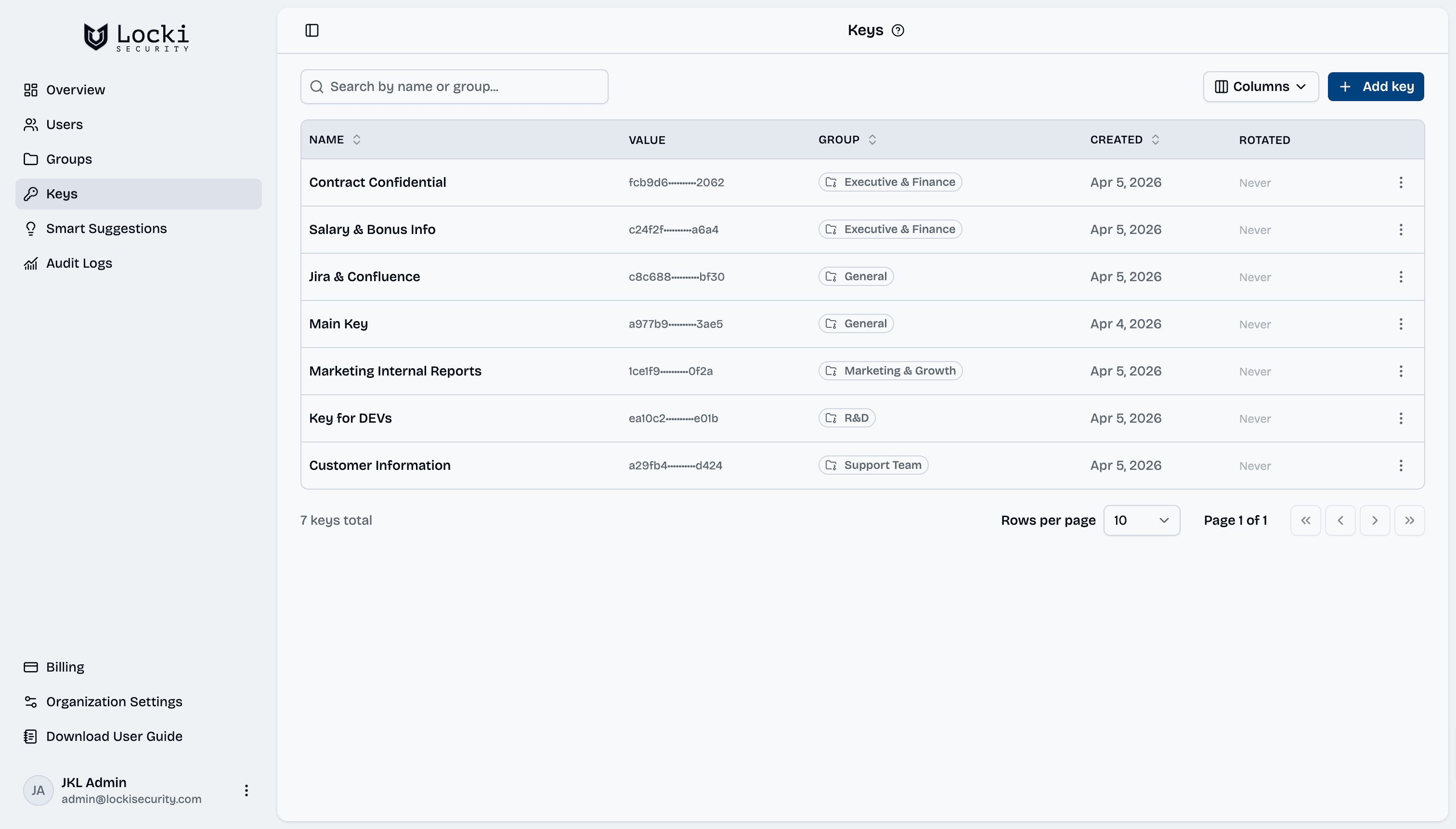
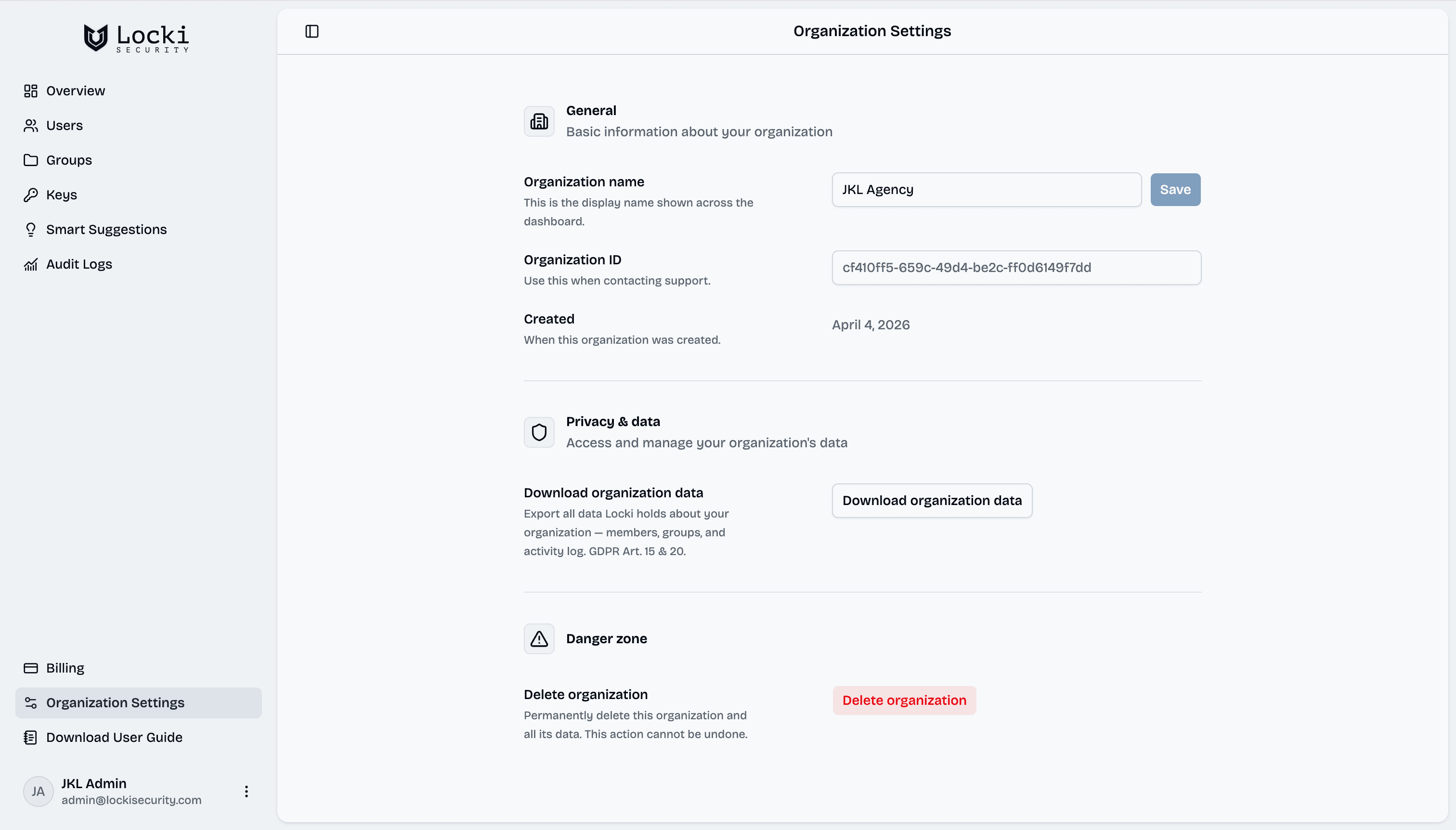
Locki Teams Pro gives your organization a powerful admin dashboard for managing encryption keys, user access, and audit logs. It's the easiest way to get enterprise-grade encryption for your team.
admin.lockisecurity.com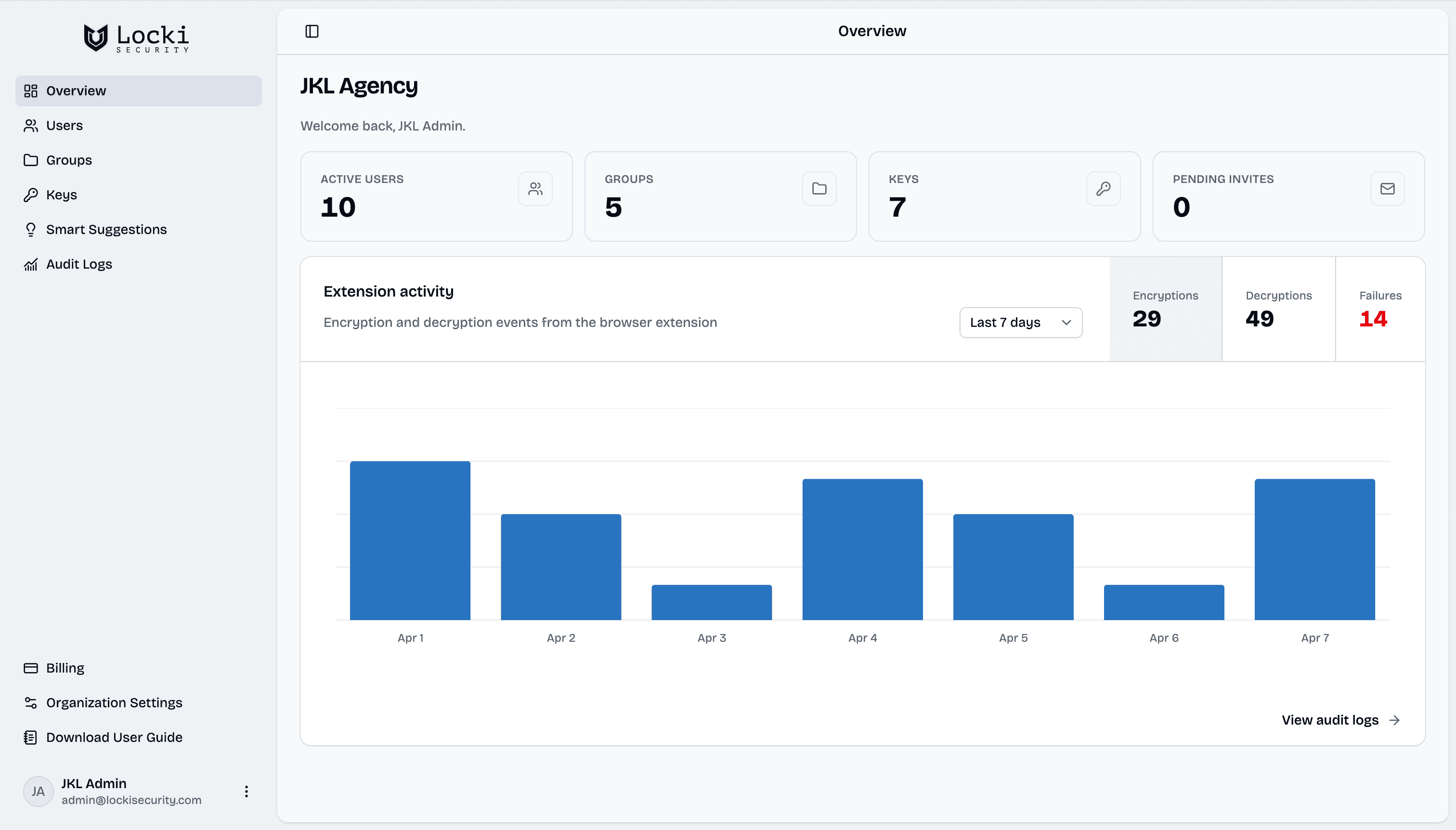
AES-256-GCM
Bank-grade encryption
Zero-Knowledge
We never see your data
Local Processing
Encryption in the browser
GDPR Ready
Compliant by design
Open Audit
Transparent cryptography
Free Trial
14 days, no credit card
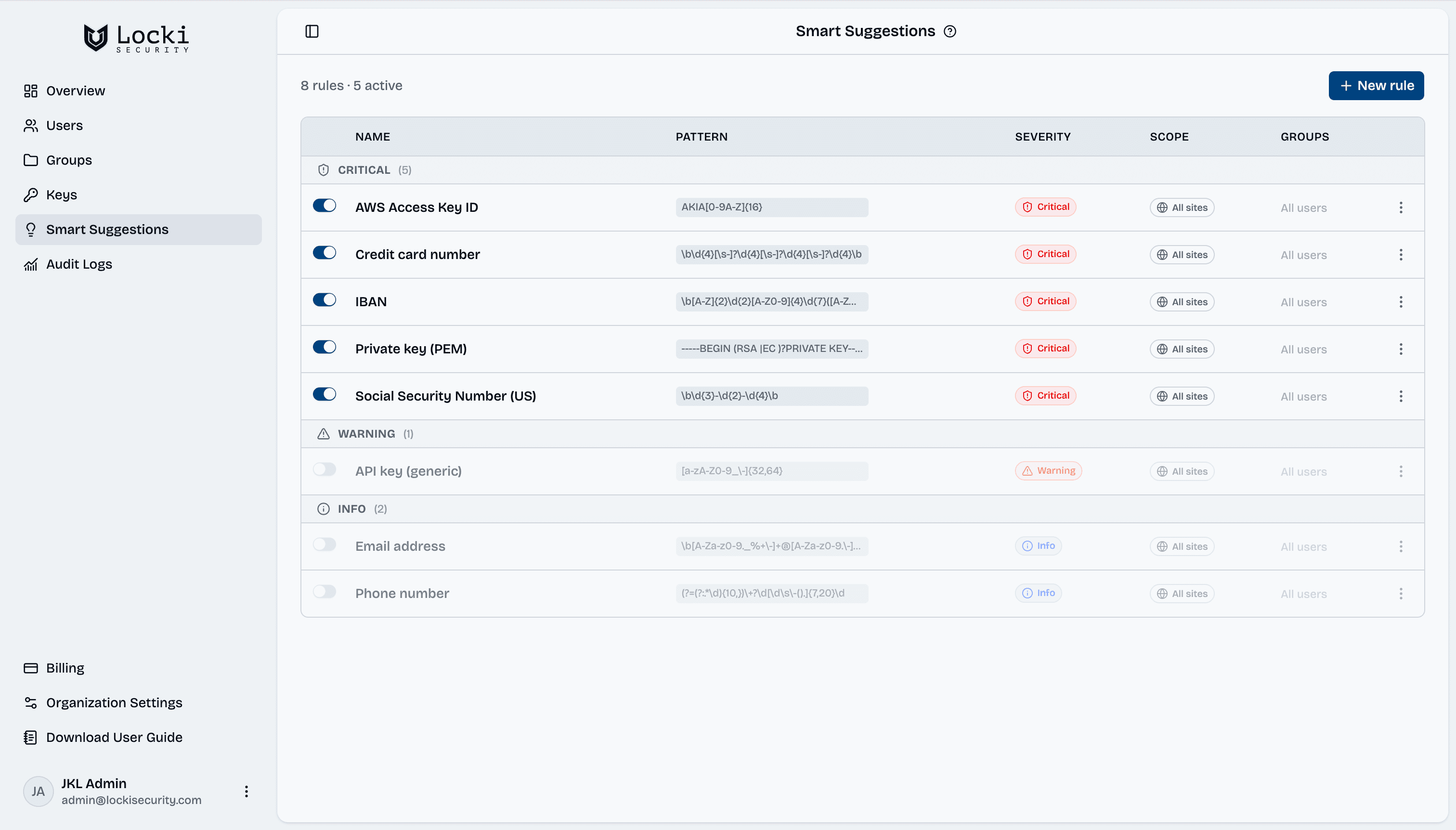
Smart Suggestions — your built-in data loss prevention
Before an unencrypted API key, card number, or SSN ever reaches Slack, Gmail, or Jira — Locki catches it. Real-time, regex-based detection runs entirely in the browser. No agent, no proxy, no network hop.
- Alerts fire as you type — before you hit send
- Regex rules for credit cards, API keys, SSNs, and custom patterns
- Configurable per-team via the admin dashboard
Also available as a standalone extension — no Locki account needed. Try Capsulla
"Social security number" detected. Consider encrypting it with Locki.
"Credit card number" detected. Consider encrypting it with Locki.
"Phone number" detected. Consider encrypting it with Locki.
Encrypt text inside every app your team already uses
Locki works directly inside any browser-based app — no integrations, no APIs, no workflow changes.
Up and running in 3 simple steps
Locki is built to get your team encrypting in under 5 minutes.
Install the Extension
Add Locki to Chrome, Safari, or Edge from the browser store. Takes less than 60 seconds.
Encrypt Text Anywhere
Select any sensitive text in Slack, Gmail, Jira, or Google Docs. Right-click and choose Encrypt with Locki. Done.
Share Safely
Send the encrypted text as normal. The recipient decrypts it instantly with Locki and the same key.
The Encryption Platform Built for Teams
Locki gives your organization AES-256-GCM encryption, centralized key management, and audit visibility — without changing how your team works.
Who Trusts Locki
From tech startups to legal firms — Locki keeps every organization's sensitive communication private and protected.

Security Without Compromise
Locki is built on a zero-knowledge architecture. Every architectural decision prioritizes your data's confidentiality — even at the expense of convenience.
AES-256-GCM
The same standard trusted by banks and governments. Every byte is encrypted before leaving the browser — no exceptions.
Zero-Knowledge Design
We cannot read your data. Keys are stored encrypted. Even with full database access, your secrets remain yours.
Local Key Processing
All cryptographic operations happen in the browser using the Web Crypto API. Keys are never transmitted in plaintext.
No Plaintext Storage
Audit logs capture metadata only — action type, actor, timestamp. Never the content of what was encrypted.
Purpose-built for secure team communication
Locki brings enterprise-grade encryption directly into the web apps your team already uses — no new tools, no workflow disruption. See how it stacks up.
| Locki | Other Tools | No Protection | |
|---|---|---|---|
| "End-to-End" Encryption | Partial or Cloud-based | ||
| Works Inside Any Web App | Limited | ||
| Easy Setup & Key Sharing | |||
| Password-Protected Key Sharing | |||
| Secure Org Key Storage | Cloud-stored keys | ||
| Free Individual Plan | Subscription required | ||
| Team Admin Dashboard | Enterprise-only add-on | ||
| No Tracking or Data Collection | |||
| Continuous Updates & Support | Occasional | ||
| Average Setup Time | < 1 minute | 10–30 minutes | — |
Trusted by Teams
What people are saying about Locki
Genuinely one of those tools where you wonder why it didn't exist before. Sharing passwords, API keys, and other sensitive information over Slack, Gmail, or Jira is a disaster waiting to happen, and most teams just accept it. Locki sits quietly in the browser and fixes exactly that, across every app you already use. No new tools, no workflow changes. Just right-click and encrypt.

Kate R.
Product Hunt User
The new Google Docs support and secure key backup feature sound really useful for teams sharing data. Great to see Locki improving with every release.
Chris H.
Product Hunt User
Locki sounds like a fantastic tool for ensuring our sensitive information stays safe and secure. The ability to encrypt text right where you're typing is such a convenient feature! Excited to try it out and see how it simplifies secure communication. Well done on this helpful creation! 🙌
Alex C.
Product Hunt User
Stay in the loop
Get product updates, security tips, and early access to new features